When you request LED screen rental in Turkey, the first technical term you will meet is pixel pitch. Codes like P2.6, P3.9 or P4.8 decide how sharp the image looks, how close your audience can sit and how the budget behaves. This guide explains pixel pitch in plain language, links it to viewing distance and covers the indoor versus outdoor question, brightness and the processing that keeps the picture clean on camera.
What is pixel pitch?
Pixel pitch is the distance in millimetres between the centres of two neighbouring pixels. On a P3.9 panel, pixels sit roughly 3.9 mm apart. The smaller the number, the more pixels fit into the same area, which means higher resolution and a smoother picture at close range.
Finer is not automatically better, though. Fine-pitch panels cost more, need more processing capacity for the same screen size and are usually indoor-only. The right choice depends on how close your nearest viewers are and what kind of content you will show.
Matching pixel pitch to viewing distance
A common rule of thumb in the industry is that pixel pitch in millimetres roughly equals the minimum viewing distance in metres. A P3.9 wall therefore looks seamless from about 4 m, while comfortable viewing typically starts at two to three times that distance.
| Pixel pitch | Minimum viewing distance | Comfortable viewing distance | Typical use |
|---|---|---|---|
| P1.9 – P2.6 | 2–3 m | 4–8 m | Boardrooms, TV studios, close-up presentations |
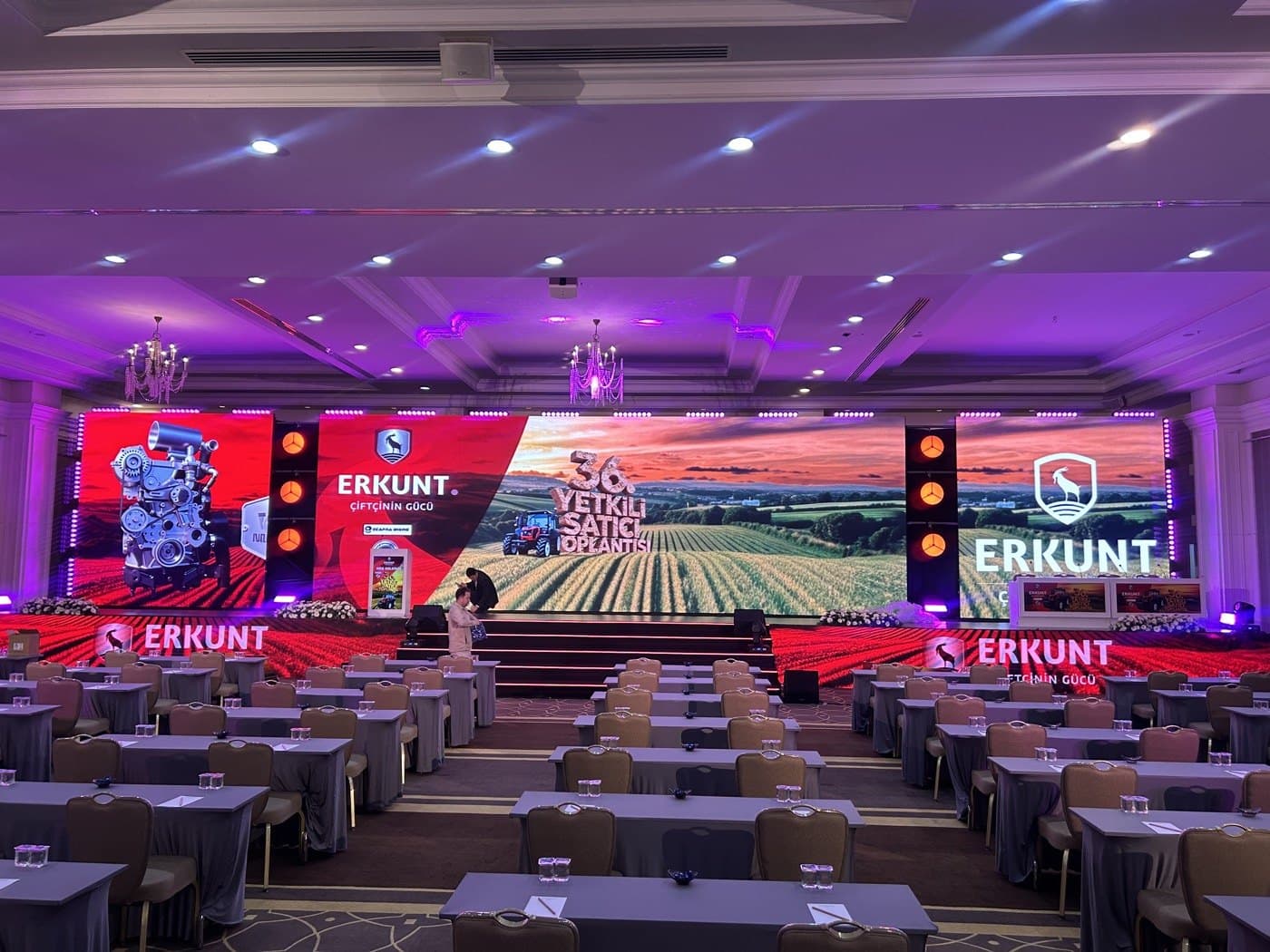
| P2.9 – P3.9 | 3–4 m | 6–12 m | Conferences, galas, hotel ballrooms, corporate stages |
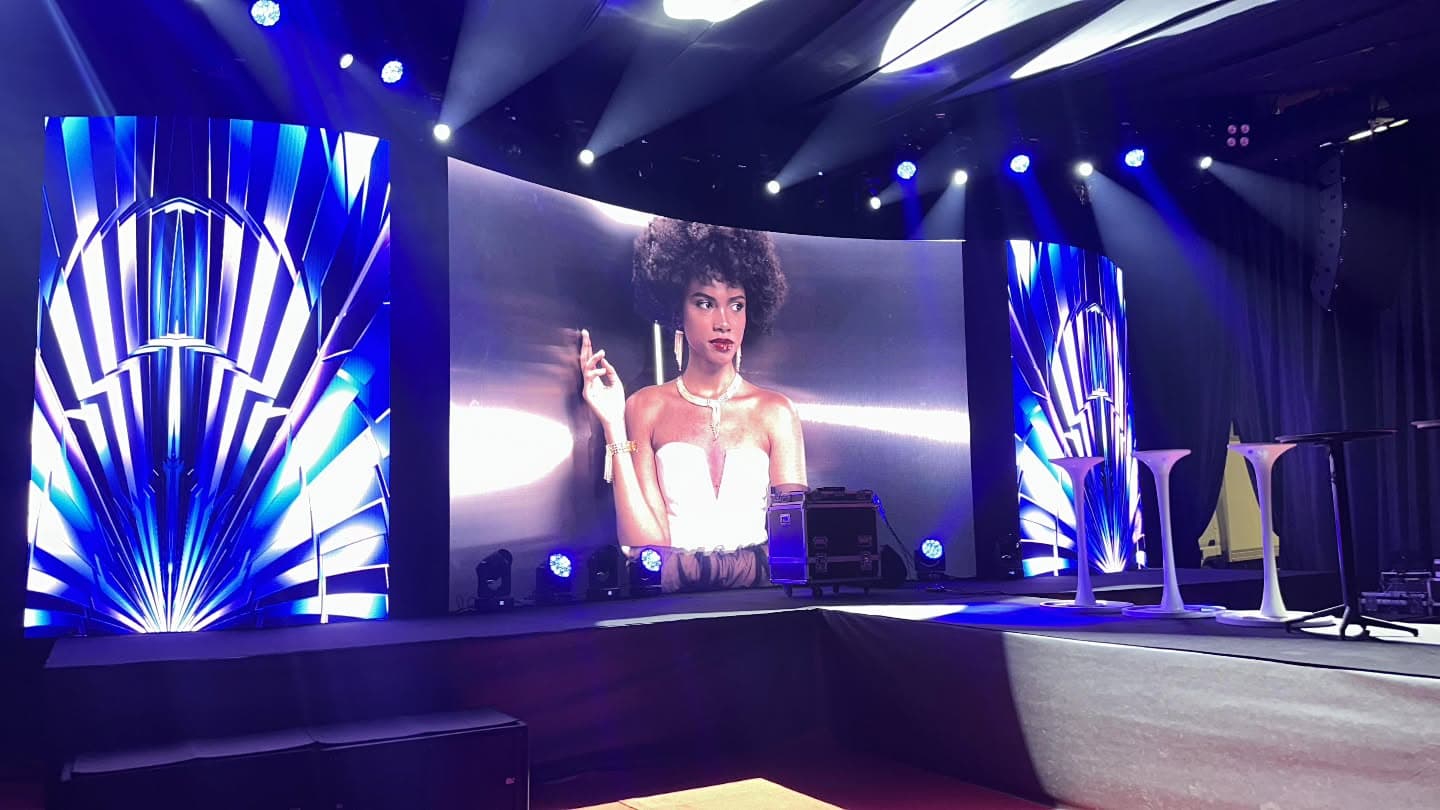
| P4.8 – P5.9 | 5–6 m | 10–20 m | Concerts, outdoor stages, festivals |
| P6 and above | 6 m+ | 20 m+ | Large open-air events, side screens, stadiums |
Content also matters. Slides with small text benefit from a finer pitch, while live camera feeds and bold concert graphics look great on coarser panels.
Balancing budget and image quality
Dropping one step in pixel pitch raises pixel density for the same wall size, and with it the cost. A common, sensible approach is to choose the main screen pitch for the majority of the audience and solve any very close viewing with a separate, smaller fine-pitch display. At a conference, for instance, a P3.9 main wall upstage and a small confidence monitor in front of the speaker works well. At large outdoor concerts, a P3.9 or P4.8 upstage wall with coarser side screens is a typical combination.
Screen size and resolution
Pitch and size together determine resolution. A 500 x 500 mm P3.9 panel carries 128 x 128 pixels, so a 6 x 3.5 m wall built from 12 x 7 panels gives roughly 1536 x 896 pixels. The same wall in P2.6 has far more pixels and needs more processing power to drive it.
Size the screen against ceiling height, stage width and the distance to the last row. As the room gets deeper, the screen needs to get taller, otherwise presentation text becomes unreadable at the back.
Indoor versus outdoor LED walls
Indoor and outdoor panels differ in more than pitch:
- Brightness: indoor panels usually run around 800–1,500 nits; outdoor panels are much brighter so they stay readable in daylight.
- Ingress protection: outdoor panels carry higher IP ratings against dust and rain.
- Heat and sun: direct sun on the Mediterranean coast affects panel temperature, brightness needs and the power plan.
- Structure: outdoors, the wall must be flown or ground-stacked with wind loading in mind.
An overly bright indoor wall is tiring to watch and causes problems on camera, so brightness is always tuned to the room. For open-air events in Antalya that start after sunset, full outdoor brightness may only matter for the first hour.
In hotel ballrooms and congress centres, ceiling height is usually what limits screen size. The bottom edge of the wall needs to sit high enough above the stage that heads in the front rows do not block the view from the back, so plan the screen, stage height and seating layout together.
Processing and signal flow
Image quality depends on more than the panels. The processor and sending cards handle scaling, colour calibration, switching between sources and flicker-free output for cameras. BernStage uses NovaStar-based control systems. Settle these questions during planning:
- How many sources will feed the wall: presentation laptops, cameras, media servers?
- Do you need a video switcher for seamless transitions?
- Will the event be streamed or recorded?
- Are there side screens or downstage confidence monitors?
If cameras are involved, refresh rate and processor settings become especially important.
Content preparation is part of the signal chain as well. Once the wall resolution is fixed, give your video and graphics team the exact pixel dimensions and build presentations to the wall's aspect ratio. A standard 16:9 deck on a wide, low LED wall will either leave empty sides or look squeezed.
Rigging, power and safety
LED walls are either ground-stacked on a support frame or flown from truss. Flown walls require weight calculations, rated rigging points and the right number of chain hoists. On the power side, plan for the wall's peak draw on a dedicated circuit, separate from audio to avoid interference. Our article on truss and rigging safety covers the flown side in more detail.
Get the right LED wall for your event
To specify the right wall we only need the venue dimensions, nearest and furthest viewer distances, whether the event is indoors or outdoors and the type of content. See our LED screen rental Turkey page for the systems we provide, or combine video with stage, sound and lighting through our event production Turkey service. Get a quote and we will recommend the pitch and size that fit your audience.